Use Search Studio
Search Studio sends authenticated, project-scoped queries through Indexlume to the active collection generation.
- Select a project and open Search Studio.
- Select a collection.
- Enter a query.
- Open Search options and select at least one searchable field.
- Add only mapped filters, sort fields, and facets.
- Choose Search.
Expected result: the result summary reports the number of matches and request time, followed by document hits and highlights.
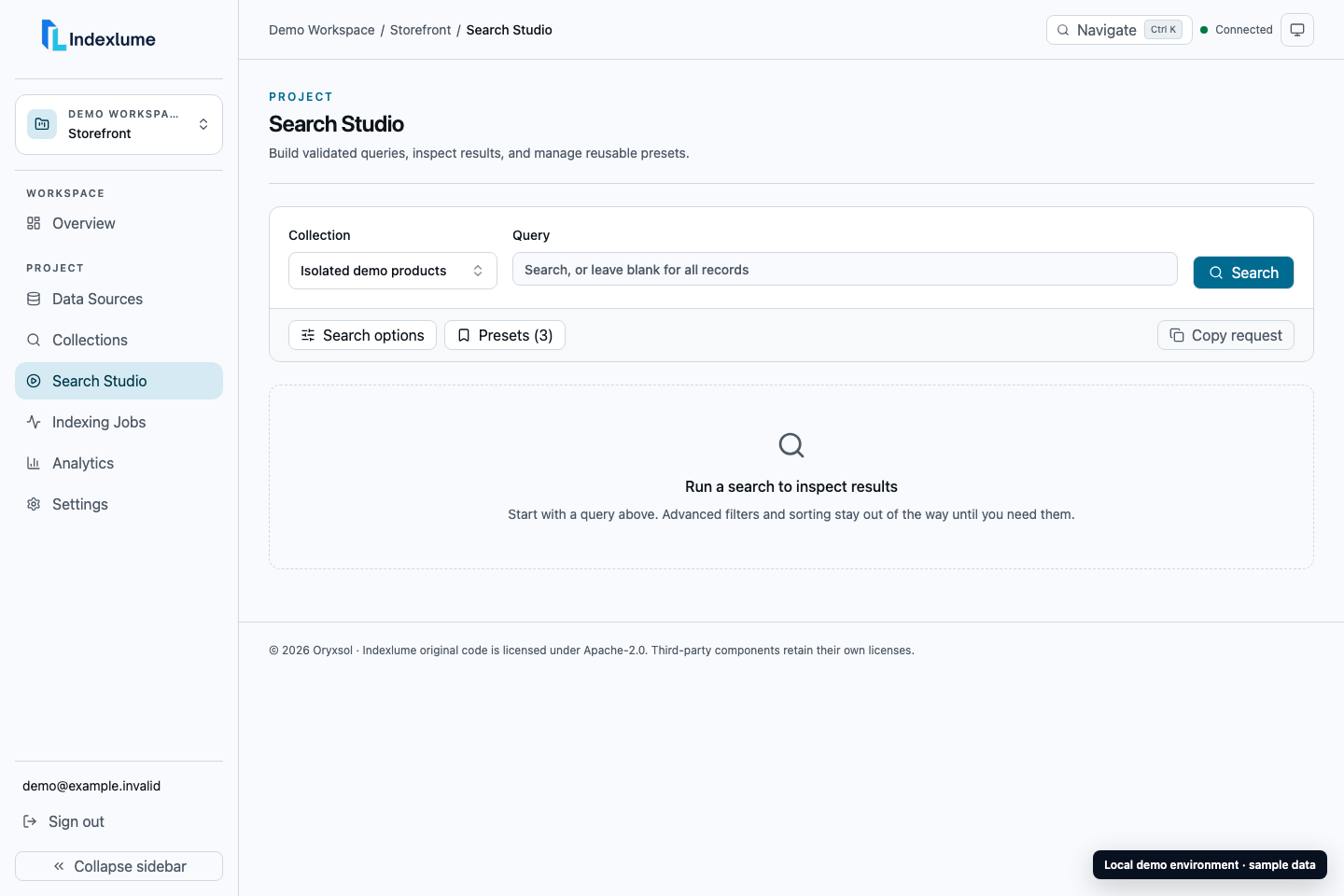
Local Indexlume 0.1.0 demo with sanitized sample data.
Use Presets to save a valid query configuration under a project collection. Presets can be loaded, updated, and deleted. They do not store private public-search keys.
If search fails, confirm that the collection has an active generation, the requested fields have the appropriate mapping capabilities, and the Typesense connection passes its test.