Connect PostgreSQL
Editors, admins, and owners can add a source. Prepare a dedicated PostgreSQL account with CONNECT, schema USAGE, and SELECT only on the tables or views that Indexlume should discover.
PostgreSQL preparation
CREATE ROLE indexlume_reader LOGIN PASSWORD '<generated-password>';
GRANT CONNECT ON DATABASE appdb TO indexlume_reader;
GRANT USAGE ON SCHEMA public TO indexlume_reader;
GRANT SELECT ON TABLE public.products TO indexlume_reader;
ALTER ROLE indexlume_reader SET default_transaction_read_only = on;
Adjust identifiers for your database. Do not grant write privileges.
Add the source
- Select a workspace and project from the sidebar scope picker.
- Open Data Sources.
- Choose Add data source, then PostgreSQL.
- Enter a descriptive name.
- Enter a PostgreSQL URL such as
postgresql://indexlume_reader:<password>@db.example.com:5432/appdb?sslmode=require. - Keep strict TLS unless the target is inside a deliberately trusted development network.
- Test and save the source.
Expected result: the source appears in the source list with a successful last-test timestamp. Its password is never returned by the API.
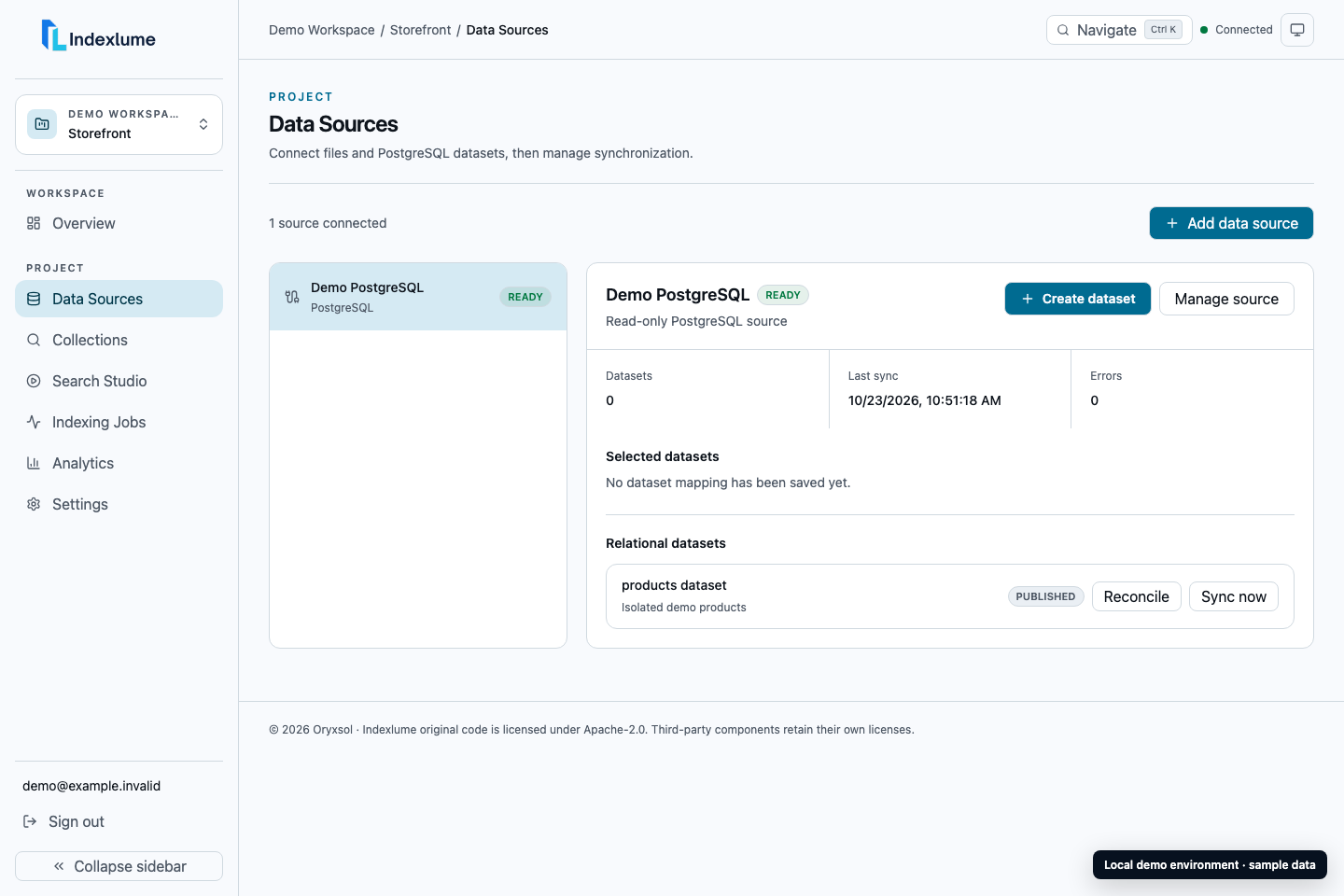
Local Indexlume 0.1.0 demo with sanitized sample data.
Discover and preview
Open the source and choose the dataset step. Indexlume lists only selectable tables/views and reports columns, primary/unique keys, foreign keys, and indexes visible through PostgreSQL catalogs. Select a dataset and preview a bounded set of records before mapping.
Common failures
- Private address rejected: the deployment blocks private targets by default. Review the network boundary before enabling an exception.
- Read-only check failed: remove write-capable privileges and set the role's default transaction to read-only.
- No datasets: grant schema
USAGEand table/viewSELECTto the connector account. - TLS failure: install the proper trust chain or correct the connection URL; do not disable TLS on an untrusted network.